If your team avoids the ERP, the problem is rarely that they dislike software. It is that the system costs them more time than it saves them, and nobody with authority has looked at why. That is fixable without replacing anything, and worth doing before you decide the platform is the problem.
This page covers how to tell resentment from a real usability problem, the four causes worth checking, what to fix first, and when replacing the system actually is the answer.
What does the complaint actually mean?
"The system is terrible" is a summary, not a diagnosis. Underneath it there are usually four different complaints, and they need different answers.
- It takes more clicks than the old way. A real cost, measurable, and usually configuration rather than platform.
- It asks for information I do not have. A process problem wearing a system costume. Someone required a field that the person filling the form cannot answer.
- It does not match how the job works. The build was scoped from a description of the process rather than the process.
- I do not trust what it tells me. A data problem, and the most corrosive of the four, because it spreads to everything else the system says.
Ask three people to show you the task rather than describe it, and which of the four you have becomes obvious in about twenty minutes.
The four causes worth checking
Too many required fields. The most common and the easiest to fix. Every mandatory field was added by someone who wanted the data, and almost none were removed when it turned out nobody used it. Audit them: for each one, name who reads it and what decision it informs. The ones with no answer come off.
The daily task takes too many steps. Count the clicks on the thing someone does forty times a day. Default values, saved filters, a tailored list view and a shortcut to the common action will usually halve it. None of that is development.
Training covered features, not the job. A tour of the modules teaches nobody how to do Tuesday. What works is the five things that person does, in order, on their own data, with the steps written down afterwards.
Nobody fixed the first complaints. This is the one that turns a fixable problem into a cultural one. If the first fortnight of complaints went into a list and nothing came back, people stop reporting and start working around. After that, the system is not the problem, the silence is.
What to fix first
The order matters, because the first visible fix is what buys you permission for the rest.
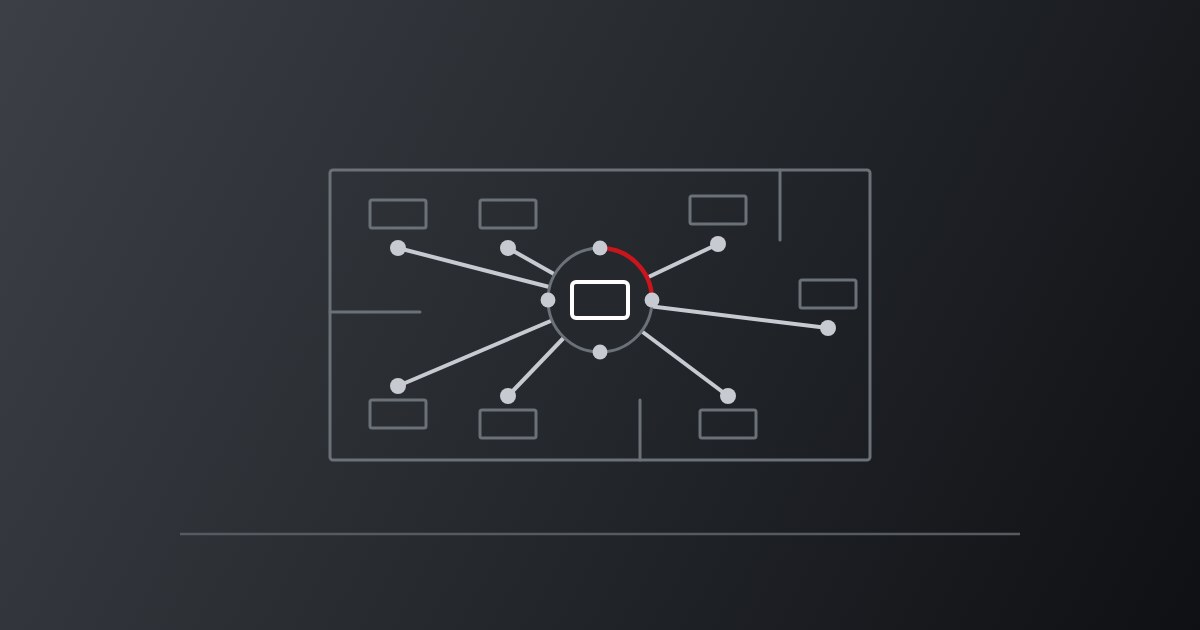
- Ask, in person, and write it down. Sit with each team for an hour. What do you do outside the system, and why. No survey.
- Fix one thing fast and say so. Pick the most-complained-about field or step, remove it this week, and tell the people who raised it. This is the step that changes the mood.
- Then the daily task. Defaults, filters and views on the highest-volume job in the business.
- Then the data people do not trust. Usually a smaller problem than it sounds, and often one duplicate-ridden list.
- Then retrain, on the job. Not before the fixes. Training people to use something that is still awkward confirms their view of it.
Most of that is configuration, which is the practical argument for Odoo: approval thresholds, required fields, list views and automation rules are settings rather than development tickets. A business that has to raise a change request to remove a mandatory field will not remove it.
Is it ever the platform?
Yes, and it is worth saying plainly rather than selling a rebuild to everyone who asks.
It is the platform when licensing makes it uneconomic to give the system to the people who need it, so half the business works from exports. When the vendor cannot say what a change costs or when it would land. When the functionality you need does not exist and the workaround is a second system. Or when it is so far out of support that security, not usability, is the reason to move.
It is not the platform when the complaints are about fields, steps, training and unanswered feedback. Replacing a system to fix those moves them to a new system, with a migration in between. See Is Odoo the Right ERP for Your Business? for the fit question, and New Software Doesn't Fix Culture for what a new system will and will not change.
What a recovery looks like
Short and unglamorous.
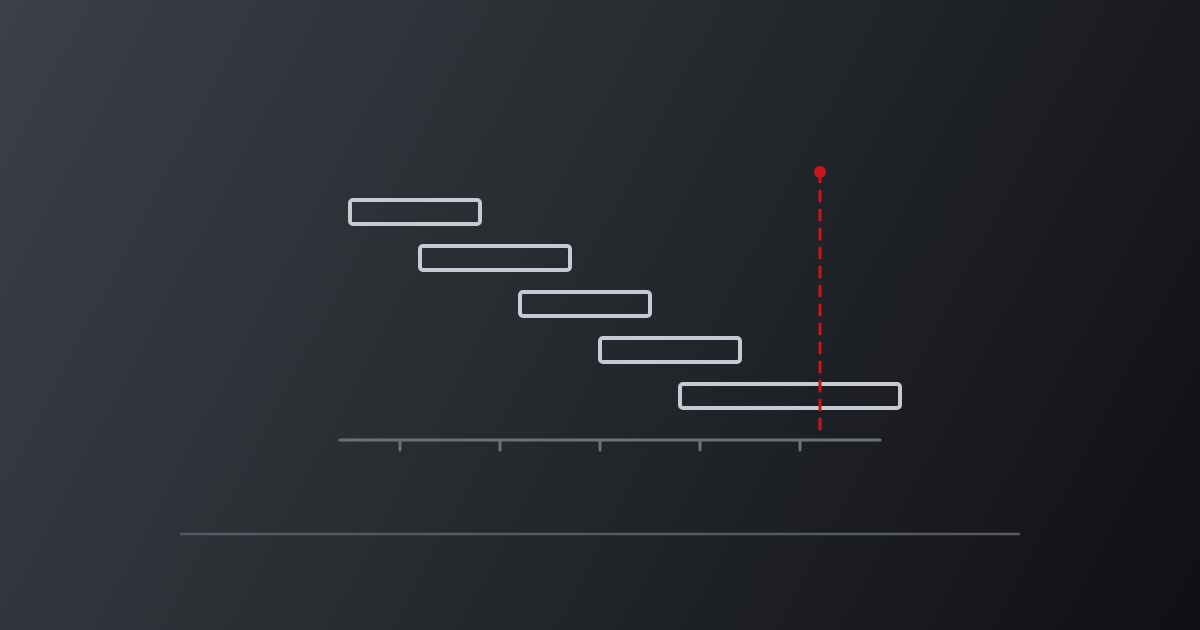
Week one is listening and a quick win. Weeks two and three are the daily tasks and the data people argue about. Week four is retraining on the fixed version and agreeing what happens when something new breaks. After that it is a standing review rather than a project, because the alternative is drifting back.
The thing that holds it together is a named owner inside the business who can decide that a field comes off. Without that, every fix becomes a request to someone with other priorities, and the backlog is the problem all over again.
How we work
Ooda Consulting is based in Sydney at Level 6/201 Kent St and works with SMEs across Australia and New Zealand. The Australian team scopes the work and supports it afterwards, with a dedicated senior developer doing the build.
See Odoo ERP Implementation for how a build is scoped and staged, or ERP Must Evolve with Your Business for the review rhythm that stops this recurring.
Frequently asked questions
Our team hates the ERP. Do we need a new one?
Usually not. Most complaints come down to required fields nobody reads, too many steps on the daily task, training that covered features rather than the job, and early feedback that went nowhere. All four are fixable without changing platform.
How do we find out what is actually wrong?
Sit with each team for an hour and ask them to show you the task rather than describe it. What they do outside the system, and why, is the answer. A survey will not get it, because the honest version takes a conversation.
What is the quickest thing that improves adoption?
Remove the most-complained-about required field this week and tell the people who raised it. The speed and the telling matter more than the size of the fix, because the underlying problem is usually that earlier complaints went unanswered.
When is replacing the system the right answer?
When licensing stops you giving it to the people who need it, when the vendor cannot price or schedule a change, when the functionality does not exist and the workaround is a second system, or when it is out of support. Not when the complaints are about fields and steps.
Should we retrain before or after fixing the system?
After. Training people to use something that is still awkward confirms what they already think, and spends the goodwill you will need later.
Who should own this inside the business?
One named person with the authority to decide that a field comes off. Without that, every fix becomes a request to someone with other priorities, and the backlog that caused the problem rebuilds itself.