Most inbound calls to an Australian SME are status questions: where is my order, when is the technician coming, has my invoice been received. Each one is a customer filling an information gap you could have closed automatically. Close the gaps and the call volume falls, which is worth more than the review requests everyone focuses on.
This page covers which messages actually remove calls, where automation backfires, how review requests fit, and what to measure.
Which messages remove calls?
The ones that arrive before the customer wonders.
A status message sent after someone has already phoned has no value. The useful set is small and predictable:
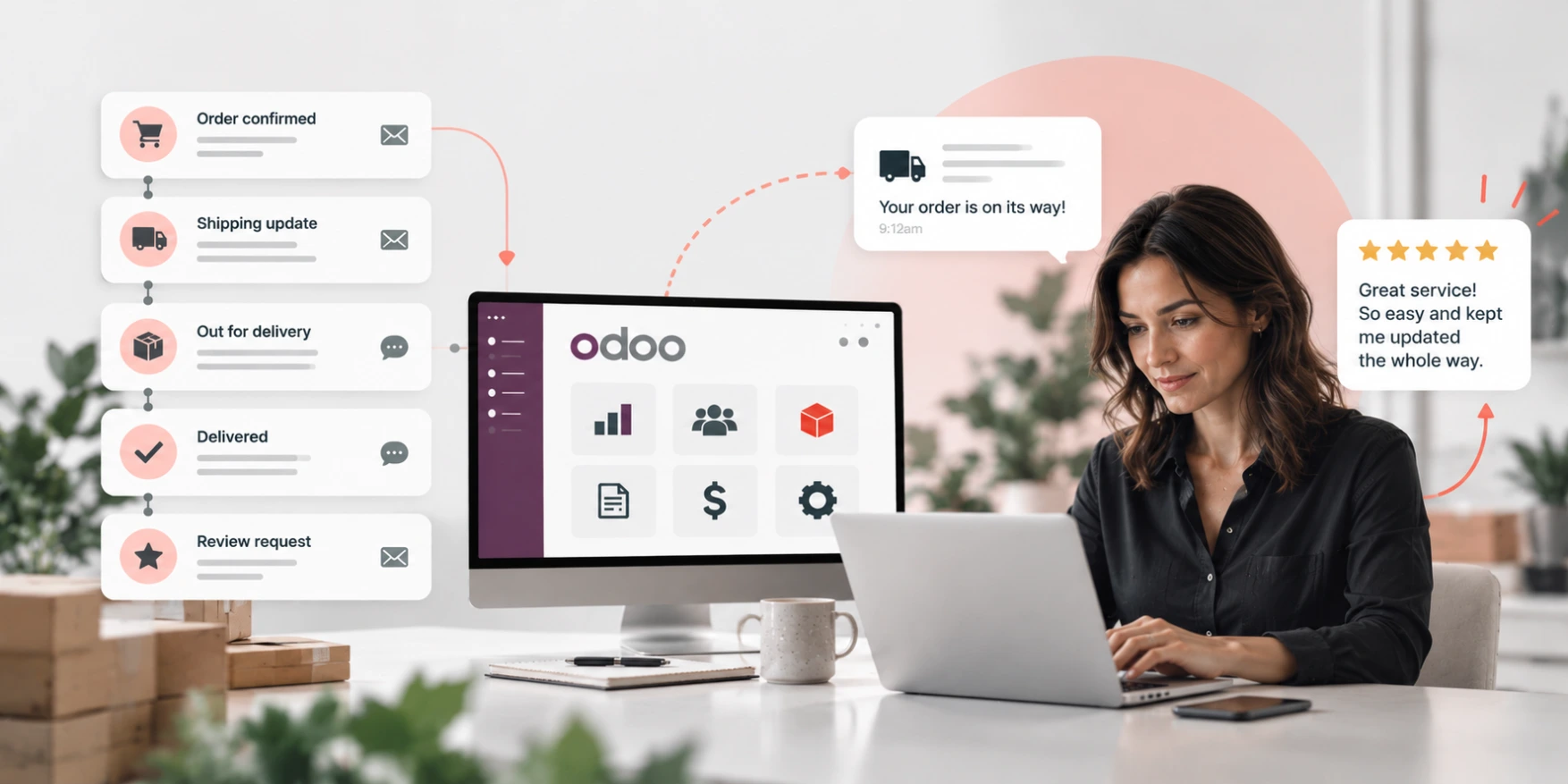
- Order confirmed, with what was ordered and the expected date. This one message removes the "did you get it" call.
- Dispatched, with the carrier and tracking. This is the single highest-volume gap in most product businesses.
- Delay notified, before the promised date rather than after it. Customers forgive a delay they were told about and remember one they discovered.
- Appointment confirmed and reminded, for anything involving a technician or a site visit.
- Invoice issued and payment received. The second one removes a surprising number of accounts calls.
Five messages, triggered by events the system already records. None of them require AI, and none require a marketing platform.
Why does this work in Odoo specifically?
Because the trigger and the data are in the same place.
The message goes out when the stock actually leaves, not when someone remembers to send it, because the delivery order is what fires it. The tracking number is on the message because it is on the record. The invoice link works because the invoice exists.
That sounds trivial and it is the whole thing. Most businesses that have tried this run their comms from a separate tool fed by an export, so the message is accurate as at the last sync and the exceptions are wrong. A delayed order is exactly the case where the customer most needs a correct message and an exported list is most likely to be stale.
Practically, this is configuration: automated actions against the states a document already moves through, with templates per message and per language where that applies.
Where does automation backfire?
Three places worth knowing before you switch anything on.
Volume without relevance. Every state change is not an event the customer cares about. Picking, packing and quality-checked are internal. Send those and people stop reading all of it, including the delay notice that mattered.
Automating the apology. A templated message about a problem reads as a template. The delay notice should be automatic; the response to an angry reply to it should not be. That line is covered further in Customer service broken?
Messages that cannot be replied to. A no-reply address on a dispatch notice sends the customer to the phone, which is the thing you were trying to avoid. Replies should land somewhere a person sees them, against the same record.
Where do review requests fit?
After the thing went well, and not before.
A review request triggered on dispatch asks for an opinion the customer does not have yet. Triggered on delivery, or a week after a completed job, it asks someone who knows the answer. That timing is most of the difference between a 2% and a 20% response.
Two things worth being straight about. Asking everyone produces a representative sample, which includes the unhappy ones; that is the honest version and it is also the useful one, because a page of flawless reviews reads as bought. And Australian Consumer Law treats reviews as representations about the business, so incentivising positive reviews specifically, or filtering out negative ones before publication, is a compliance question and not just a taste question.
The version that works: ask everyone, at the right moment, once, and route the unhappy responses to a person rather than to a public form.
What should you measure?
Call volume by cause, before and after.
Before switching anything on, spend a fortnight tagging inbound contacts by reason. Where is my order, when is the technician coming, what do I owe, something is wrong. That list tells you which messages to build and gives you the only baseline that will prove it worked.
After:
- Contacts per order, which should fall and is the number that matters.
- Volume by cause, to see which gap actually closed.
- Unsubscribe and complaint rate, which is the early warning that you are sending too much.
- Review response rate by trigger point, if you are asking for reviews at all.
Without the before, you will have an opinion about whether it helped. With it, you have a figure.
How we work
Ooda Consulting is based in Sydney at Level 6/201 Kent St and works with SMEs across Australia and New Zealand. The Australian team scopes the work and supports it afterwards, with a dedicated senior developer doing the build.
See AI and Automation for where the line sits between automation and AI, or Odoo ERP Implementation for how a build is scoped and staged.
Frequently asked questions
Can Odoo send automatic order and dispatch notifications?
Yes. Automated actions fire on the states a document already moves through, so the dispatch message goes when the stock leaves and carries the tracking number from the record. It is configuration rather than development.
Will automated messages actually reduce phone calls?
Usually, because most inbound calls are status questions. The size of the reduction depends on which gaps you close, which is why it is worth tagging two weeks of calls by reason before building anything.
How many automated messages is too many?
Past the five that correspond to things the customer cares about, each extra message costs attention. Internal states such as picked and packed are not customer events, and sending them trains people to ignore the ones that matter.
When should we ask for a review?
After delivery or after a completed job, not on dispatch. Asking before the customer has experienced the thing produces a low response rate and an uninformed answer.
Should we only ask happy customers for reviews?
No. Filtering who you ask, or incentivising positive reviews specifically, is a representation about your business under Australian Consumer Law, and a page of flawless reviews reads as bought in any case. Ask everyone and route unhappy responses to a person.
Can customers reply to automated messages?
They should be able to, and replies should land against the same record a person is already looking at. A no-reply address on a dispatch notice sends the customer to the phone, which defeats the purpose.